

About
About Web Radio Control
Run your whole station from any browser, on your own or shared by your club’s members.
For all stations
Web Radio Control keeps your station with you wherever you go: catch the band opening from the sofa, join the evening net from the cottage, and chase the DX you’ve waited for from your phone.
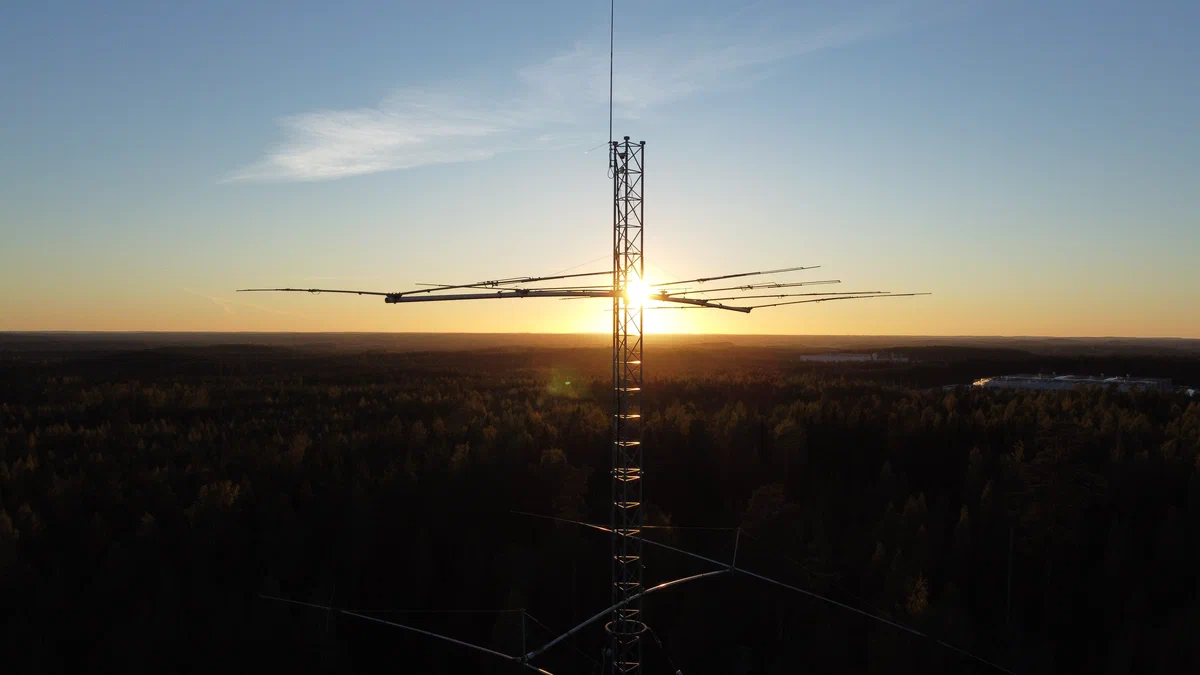
Your station belongs where the antennas work
No room for antennas where you live, or too much noise to hear the weak ones? Town noise can often sit 3–6 S‑units above a quiet country site. That’s up to 30 decibels. Raise the antennas you can’t fit at home at a quiet site, a cottage or a friend’s land, and operate the station from wherever you are.

What you need
- A Raspberry Pi 3, 4 or 5 at the station, with a microSD card and its power supply.
- A radio you can control from a computer. Web Radio Control uses Hamlib, which supports hundreds of radio models.
- The radio’s audio over USB: built into many modern radios, or through a USB sound card.
- An internet connection at the station.
Your whole station on one page
- Your radios, rotator, amplifier, antenna switches and relays, side by side.
- Operate on phone (voice), CW from the keyboard, macros or a Morse key on a USB adapter, and digital modes with WSJT-X and fldigi through WRC Link, the renewed helper app.
- Layouts for a phone, a tablet and a desktop, with both VFOs, split, RIT and XIT, and readable meters.
- Clear audio: high-quality Opus compression, or uncompressed when your connection allows.
Screenshots from a preliminary 2.0 alpha on a demo station, with demo data. The interface may still change before the release.
Chase and log
- DX cluster spots: tap one to tune, set the split and turn the beam.
- One map for the beam, the gray line, the spots and where you’re heard.
- A built-in logbook with ADIF import and export, sending your contacts to Wavelog or Cloudlog.
Set up without technical complexity
- A guided setup in the browser ensures technical complexity is gone.
- Add a device finds your radio, asks it which model it is, and tests it before you transmit.
- Configure and test your devices, with powerful diagnostics for device connectivity.
- Your station gets its own address,
<station>.wrcs.tech, with a trusted certificate: no browser warnings. - With a private network such as Tailscale, or a router that accepts UPnP, no port needs forwarding; otherwise one does, and the setup tests it for you.
- Updates come from the browser, with a way back, and the station makes a backup every night.
Safe to open to the internet
- Secure default settings and encrypted connections. Firewall enabled, login and SSH guards in place from the start.
- Every outside connection, such as spot sources and lookups, stays off until an administrator turns it on.
- The station gets its own address,
<station>.wrcs.tech, with a trusted certificate.
For clubs
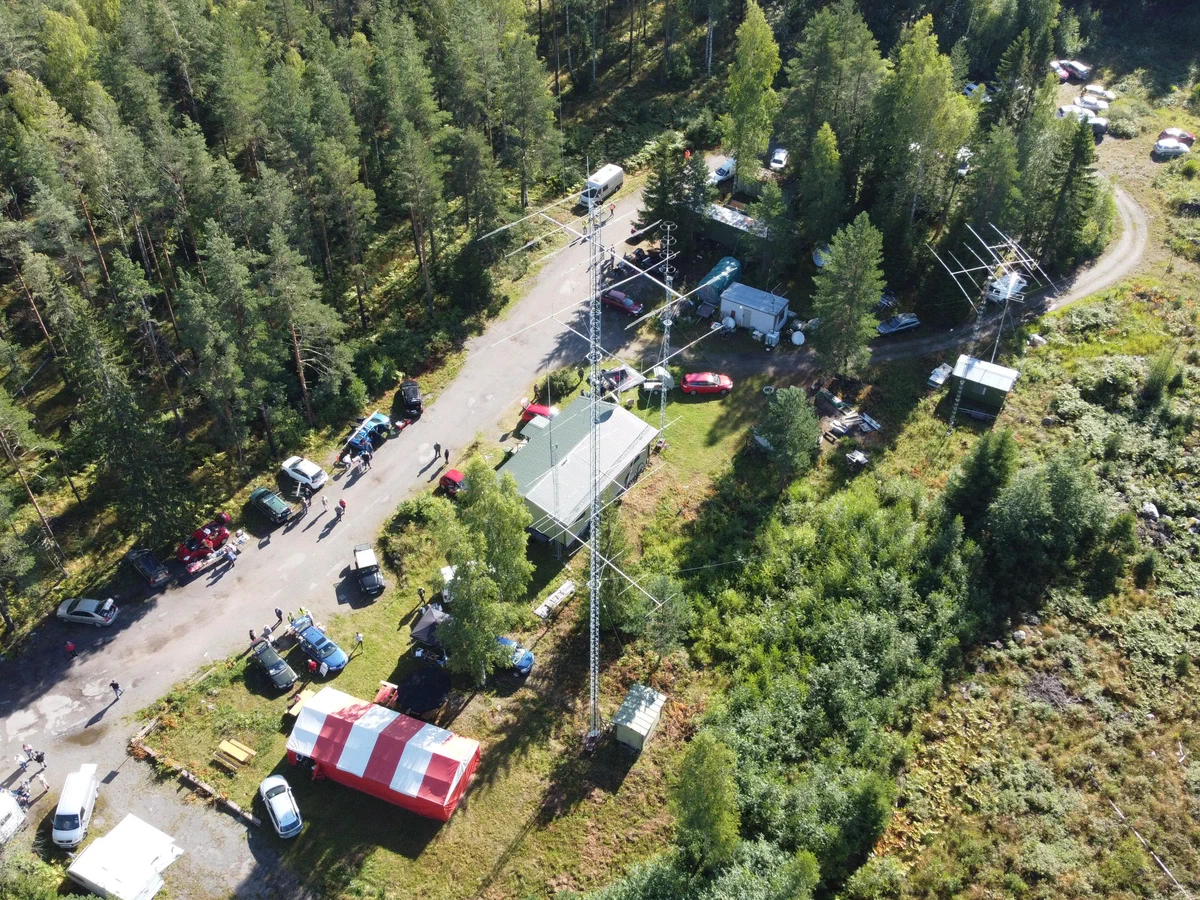
A club station most members can’t reach sits quiet. With Web Radio Control, everyone can get on the air from home, not only those who live nearby, and each member has the station to themselves for the time they booked.
Personal logins for every member
- A personal account for every member, with a role that says what they may do.
- Settings that follow each member to any phone, tablet or desktop.
- The club’s administrators decide who may operate, and when.
Fair time on the air
- Reservations show who’s on now and who’s next. Book the station immediately using a shortcut, or use the calendar view to reserve any future time slot.
- Limits per member keep the time fair.
- During a booking the station is that member’s alone, uninterrupted.
One operator on the air at a time
The transmitter belongs to the browser that keyed it, and is released if that browser goes silent. A transmit time limit keeps a forgotten key from staying down. Operate within your country’s rules for remote club stations.


A friendly start for new licensees
New licensees get on the air with the club’s radios and antennas, at times the club sets, before they have a station of their own.

Hear first when 2.0 is ready.
The free beta comes out on November 25. We send a few emails a year: the release, betas and major updates.